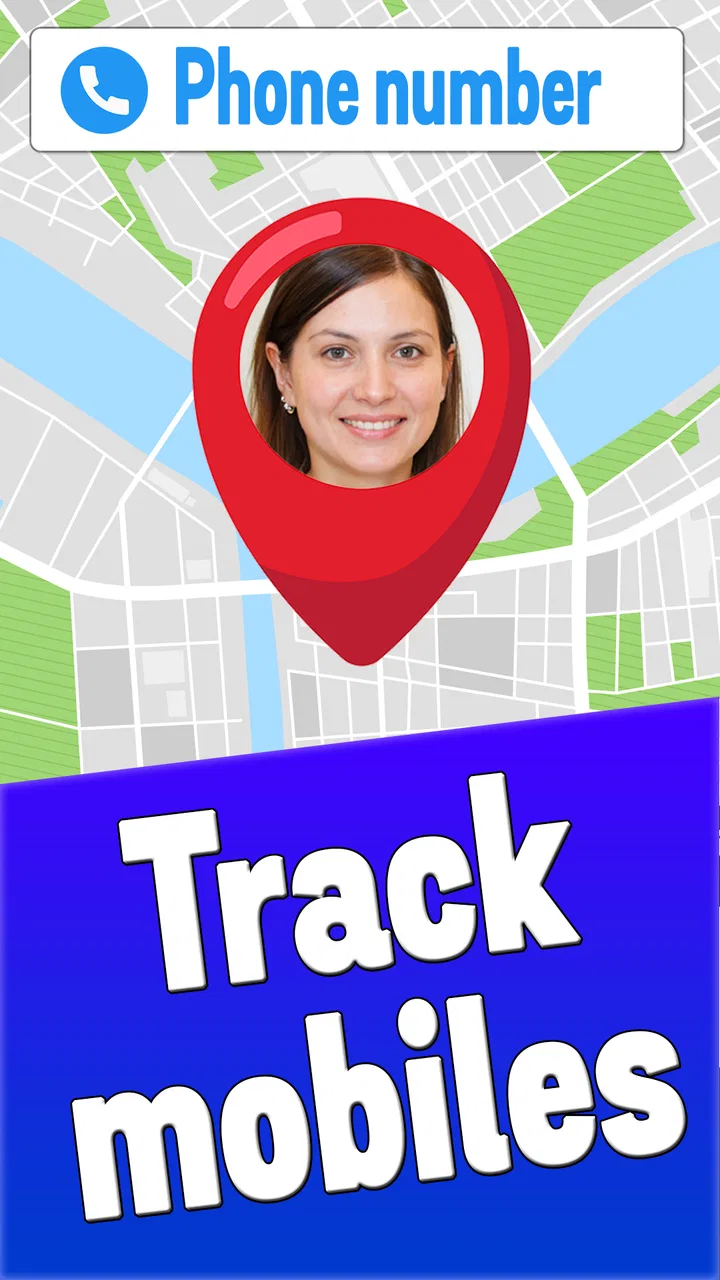
Locate Mobile by Number
- 4.4
- Rating
- 1.00M
- Installs
- Free
- Price

 Analysis by App-foxy
Finding a phone when someone is late, lost, or simply not answering sounds like a small problem until it happens in real life. That is the situation Locate Mobile by Number tries to address. It is a free parenting app from App Game Development Solutions, built around locating and displaying numbers on a map in real time. I see its main appeal in that narrow purpose: it gives families a quick place to start when they need location context, rather than presenting itself as a broad collection of parenting tools.
After using it, my impression is that the value depends less on how often you open it and more on whether it fits the way your family already handles phones and location sharing. The idea is easy to understand, but location tools always require sensible expectations. A map can be useful for orientation and coordination; it should not replace a direct call, an agreed meeting point, or a proper emergency service when the situation is serious.
Real-time number location is the central experience
The defining capability is the attempt to place a mobile number on a map while the information is being updated in real time. That makes the app different from a simple contact book or a static map pin. The practical question is not merely “where is this number?” but “can this view help me decide what to do next?” If a child is travelling home, a family member is trying to meet you, or a phone has been misplaced nearby, a map-based view may reduce uncertainty.
You May Also Like

 Blood Strike: 2.5 Anniversary
Blood Strike’s Loadouts Turn Every Drop Into a Tactical Gamble
A close look at Blood Strike’s custom loadouts: how fast access to signature weapons reshapes its battle royale rhythm, rewards preparation, and narrows the gap between fights.

 Pandora - Music & Podcasts
Pandora’s Music Is Easy to Start, but Harder to Recover
Pandora’s strength is its low-effort path from a seed to a station. Its weak spot is how much confidence it asks you to place in connection, setup, and quiet recovery.

 8 Ball Pool
 Is Built on Rivalries, Rematches, and Routine
A close look at the rivalries, rematches, shared routines, and unanswered safety questions that turn a quick pool match into a persistent mobile community.

 Samsung Music
’s Quiet Strength Is Playing What You Already Own
Its reach comes less from spectacle than from dependable access to a personal library. That simplicity is both the app’s strongest retention engine and its ceiling.

 AccuWeather: Weather Radar
AccuWeather Review: A Quick, Clear Forecast for Everyday Decisions
For everyday plans, the best forecast is the one you can understand quickly. AccuWeather makes rain timing, radar, and local conditions easy to act on, with a few trade-offs.

 Hill Climb Racing
Why Hill Climb Racing Still Turns Crashes Into One More Run
A tiny car, a bumpy hill and one more upgrade: Hill Climb Racing keeps resurfacing because its simple chaos makes every near-miss feel personal.
More From Our News Desk



I like the directness of that concept. There is no need to learn a large suite of unrelated parenting functions before reaching the central task. The app belongs in the parenting category, but its usefulness is especially focused: it is a location-oriented utility for people who want a quick visual reference. The store summary describes the experience in plain terms, and that simplicity carries over to the reason most people would install it.
At the same time, I would not treat a phone number as a magic key that guarantees a precise, continuous position in every situation. Real-world location depends on the phone, its connection, and the circumstances around the person carrying it. A map result is most helpful when it supports an existing family routine, not when it is used as a substitute for communication or consent.
That distinction is important for parents. The app can encourage a calmer response when a child is delayed, but it should be introduced openly rather than used as a secret surveillance shortcut. A family conversation about when location checking is appropriate makes the tool more useful and avoids turning every late arrival into a source of conflict.
What the map changes in an everyday decision
A normal phone call gives you a spoken answer, assuming the other person picks up. A map gives you spatial context. If someone says they are close but cannot explain where they are, the visual information may help you choose whether to wait, walk toward a familiar landmark, or ask them to share a clearer description. That is the real effect of the app’s main capability: it can turn a vague location problem into a more concrete planning problem.
For parents, the strongest use is not constant watching. It is a quick check during a specific transition, such as the journey between school and home or the period before a planned pickup. Used that way, the app has a defined purpose and is less likely to become an exhausting habit of repeatedly refreshing a map.
There is also a useful distinction between locating a person and locating a device. A map can show where the phone is, but that does not automatically prove that the owner is standing beside it. If a phone was left in a vehicle, handed to another person, or separated from its owner, the result needs to be interpreted carefully. I would always combine the map with a call or message before making a firm assumption.
How I would use it in practice
The first step is to decide what problem you want the app to solve. If your goal is “I want to know whether my child has reached the usual area after school,” that is specific and manageable. If the goal is “I want a permanent answer to where everyone is,” the experience is likely to feel more complicated and less comfortable. Defining the situation first helps you judge whether the live map is genuinely useful.
When checking a location, I would begin by looking at the broader map context rather than focusing immediately on a single point. Nearby roads, recognizable places, and the expected route can tell you more than a pin viewed in isolation. This is one of the less obvious habits that makes a location tool more practical: use the map to form a question, then confirm the answer through communication.
A second useful habit is to agree on a fallback plan before anyone needs the app. For example, a child can know that if the map seems unclear, they should call from a safe public place or send a short message naming the nearest landmark. The app then becomes one part of a routine instead of the only source of information. That matters because a live display is not the same thing as a conversation.
I would also avoid treating every update as equally meaningful. A location view can help establish general direction or proximity, but small changes on a map should not be overinterpreted. If you are waiting at a pickup point, the sensible question is whether the person is approaching the agreed area, not whether the marker has moved by a tiny amount since the last look.
For a misplaced phone, I would use the app as a starting point and then work through ordinary recovery steps. Check the last known room, call the device, ask whether someone nearby has found it, and consider whether the displayed location might refer to where it was left rather than where it is now. This workflow is more realistic than expecting a map alone to solve the entire problem.
A realistic family scenario
Imagine a parent expecting a teenager home after an activity. The usual arrival time passes, messages are unanswered, and the parent begins to worry. Opening the app may provide a useful indication of whether the phone is still near the activity venue, moving along the expected route, or somewhere that does not match the plan. That information can guide the next action: wait a little longer, call the venue, contact the child again, or ask another trusted adult to help.
The important benefit is not that the app eliminates uncertainty. It helps organize the uncertainty. Instead of making several guesses at once, the parent can use the map as one piece of context and then verify the situation. If the phone appears to be in an unexpected place, that is a reason to communicate and assess the circumstances, not an invitation to jump straight to conclusions.
This scenario also shows why the app is better suited to families who can agree on clear routines. If nobody knows when location checking is acceptable, the tool may create more arguments than reassurance. If everyone understands that it is for agreed journeys or specific concerns, the map has a more focused role.
Where it compares well, and where alternatives are better
Compared with asking someone to describe their surroundings by text, a map can be faster to interpret. Compared with repeatedly calling, it can offer context even when the person cannot answer immediately. That is the strongest reason to try it: it addresses the gap between “I cannot reach them” and “I need some idea of where the phone may be.”
However, families who already rely on a built-in device-location service may prefer that familiar option. A platform-native solution can feel more natural when everyone uses the same ecosystem, and people may appreciate having location sharing alongside their other device tools. Likewise, a dedicated family safety service may be a better fit for households that need a larger set of controls, established sharing circles, or more structured monitoring.
Locate Mobile by Number makes more sense when you want a focused app rather than a complete family-management system. Its advantage is the narrow purpose; its limitation is the same narrowness. I would not choose it for school scheduling, household communication, screen-time management, or a broad parental-control setup. Those needs call for different tools.
There is another trade-off in the wording of the experience itself. “Locate by number” sounds simpler than the real-world task of interpreting a location. A number identifies the target you are trying to check, but accuracy and usefulness still depend on the phone and the surrounding circumstances. Users who expect a guaranteed, continuously precise answer may be disappointed, while users who want an additional orientation aid may find the concept reasonable.
Small habits that improve the experience
- Use it around agreed journeys rather than checking without a clear reason. This keeps the map tied to a practical decision.
- Read the surrounding streets and landmarks before reacting to a marker. Context is often more useful than the point alone.
- Confirm an unexpected result by calling or messaging. A device position is not automatically proof of a person’s exact whereabouts.
- Keep a non-digital backup plan, such as a meeting place and a trusted contact. The app should support that plan, not replace it.
These habits also make the app easier to evaluate. If it repeatedly helps you decide whether to wait, contact someone, or change a pickup plan, it is earning its place on the phone. If you still need several other apps and conversations for every situation, a more comprehensive location-sharing option may be more suitable.
Practical details before installing
The app is free, which lowers the barrier for a parent who wants to test the idea without committing to a paid service. It is rated for Everyone, so its presentation is intended for a broad audience. I would still treat the family-use decision as a conversation between adults and children, because an age label does not settle questions about trust, privacy, or responsible location sharing.
It was released on August 5, 2023, and the current version is 1.3. It requires Android 9 or later, so compatibility is straightforward for many relatively recent Android phones, but an older device may not be able to install it. Before planning to use it as part of a family routine, I would check that the phones involved meet that system requirement and that everyone knows how the app fits into the routine.
The app has an average rating of 4.3 from around 21 thousand ratings, with over 600 written reviews, and it has passed one million installs. Those figures suggest that the idea has found a substantial audience, but they do not remove the need to judge it against your own expectations. A location utility can be well received and still be the wrong choice for someone who needs a full family-safety platform.
Because the developer is App Game Development Solutions, the app feels like a focused product rather than a familiar system feature built into a phone brand. That can be appealing if you want to try a separate tool, but it also means I would spend a little time testing it during an ordinary, low-stress journey before relying on it during a genuinely worrying situation.
Who gets the most value from it
I think the best audience is a parent or caregiver who wants a simple location reference for occasional family coordination. It can be useful when children travel familiar routes, when pickup arrangements change, or when a household wants an extra way to understand where a phone may be during a delayed journey. The benefit is greatest when expectations are modest and the app is part of a clear communication plan.
It may also suit someone who often needs to coordinate with relatives or friends but does not want to adopt a large suite of safety features. The map can provide a quick visual answer to a specific question, and the free price makes experimentation easy. In that role, the app is less about monitoring and more about reducing the friction of meeting, collecting, or checking in.
I would skip it if you need guaranteed emergency response, detailed parental controls, or a complete family dashboard. I would also look elsewhere if everyone in your household already has a trusted location-sharing arrangement that works well. Installing another app simply because it mentions mobile location can add confusion rather than value.
My final view is positive but deliberately practical. The live map is useful when it supports a decision, not when it is treated as certainty. That is the right way to approach this parenting app. It offers a focused answer to a focused problem, and its free availability makes it easy to try. Just pair the map with direct communication, agreed family rules, and a backup plan. For occasional location coordination, I can recommend giving Locate Mobile by Number a fair test; for comprehensive family safety, I would choose a more established all-in-one alternative.
FAQs for Locate Mobile by Number
01How accurate is Locate Mobile by Number in tracking a device?
Locate Mobile by Number uses advanced GPS technology to provide accurate real-time location data. However, accuracy can vary depending on several factors, such as the device's GPS settings, network connectivity, and surrounding environmental conditions. Typically, users can expect a location accuracy within a few meters under optimal conditions.
02Is Locate Mobile by Number safe to use, and how is my data protected?
Yes, Locate Mobile by Number prioritizes user safety and data privacy. The app employs encryption technologies to protect user data and ensure that location information is only accessible to authorized users. Additionally, it complies with data protection regulations to safeguard user information against unauthorized access.
03Does Locate Mobile by Number require an internet connection to work?
Yes, Locate Mobile by Number requires an active internet connection to transmit location data accurately. This is because the app relies on GPS and network services to pinpoint the device's location in real-time. Without internet connectivity, location updates might be delayed or unavailable.
04Can I track a phone number without the owner's consent using Locate Mobile by Number?
No, Locate Mobile by Number is designed to be used ethically and legally. Tracking a phone without the owner’s consent is against the app's terms of service and potentially illegal. The app is meant for consensual use, such as keeping track of family members or lost devices.
05What devices and operating systems are compatible with Locate Mobile by Number?
Locate Mobile by Number is compatible with both Android and iOS devices. It supports a wide range of smartphones and tablets running on recent versions of these operating systems. Users should ensure that their device meets the app's minimum system requirements for optimal performance.
Pros
- Easy-to-use interface for all users.
- Real-time location tracking available.
- Supports multiple devices simultaneously.
- Battery-friendly operation mode.
- Secure with encrypted data transmission.
Cons
- Requires constant internet access.
- Limited features in the free version.
- May raise privacy concerns for some.
- Occasional inaccuracies in location.
- Ads can be intrusive in free mode.

Locate Mobile by Number
Gallery